


Sentry Mode turns your Tesla into a parking sentinel: active cameras, incident recording, app alerts. Badly configured though, it drains the battery and saturates the USB drive. Here are 5 settings to use it well, plus the accessories that make it truly effective.

How does Sentry Mode work?
Once the car is locked, the Autopilot cameras watch the surroundings. Three alert levels exist: on suspicious proximity, the screen shows a warning; on contact, the alarm fires, events are recorded and a notification reaches your phone. Official details are on Tesla’s safety page.
Setting 1: choose where it activates
Sentry Mode consumes energy (see below): no point running it in your locked garage. Under Safety > Sentry, exclude trusted places — home, work — and let it arm everywhere else. You will save several kilometres of range per day.
Setting 2: size the storage
Sentry clips fill a standard USB stick fast. Choose an endurance-grade stick or SSD of 256 GB minimum, formatted by the car, and empty the SentryClips folder regularly. Our utilities section offers discreet glovebox mounts.
Setting 3: control consumption
Expect 1-2 km of range per hour of surveillance. In an airport car park for two weeks, the bill climbs: 300-600 virtual kilometres. For long stays, disable Sentry Mode or plan a nearby charge — our winter range guide explains how cold amplifies the effect.
Setting 4: deter rather than film
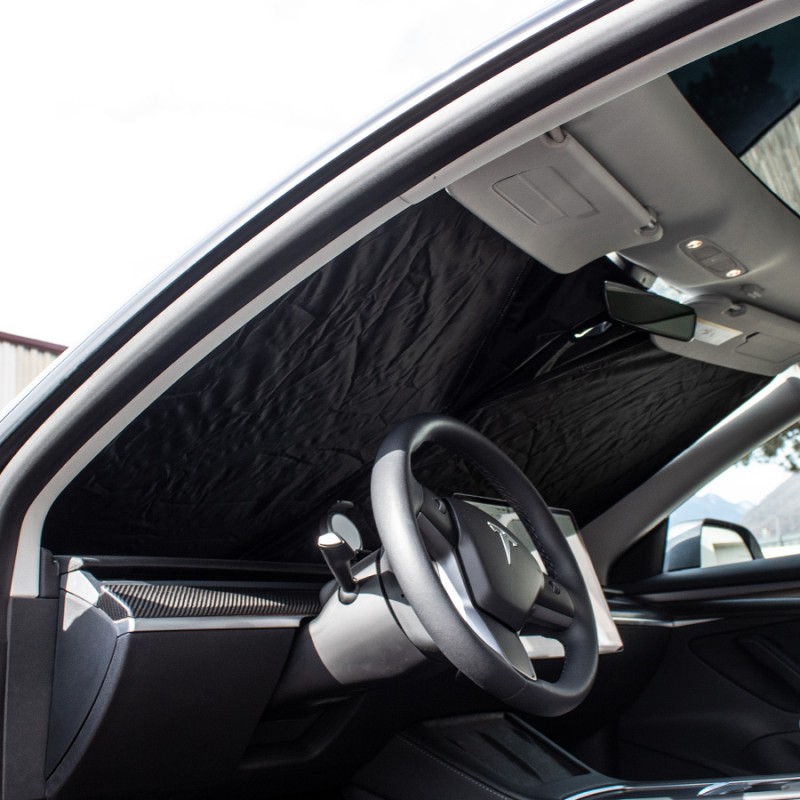
The “Sentry Mode” sticker (€4.48) on the windows has surprising deterrent power: the mention of cameras alone keeps the curious away. Combined with recordings, it turns Sentry Mode into a real shield. Add a sunshade in summer: it protects the cabin without blocking the cameras, all mounted outside.
Setting 5: use the recordings
After an incident, retrieve clips via USB or the built-in viewer (Safety > Sentry > View). Cameras film front, sides and rear: a scratched door or car-park bump becomes documented, time-stamped, insurable evidence. Save important clips promptly, as storage recycles automatically.
Sentry and insurance: a paying duo
More and more insurers factor recording devices into parking claims. A time-stamped Sentry Mode clip showing the fleeing car’s plate turns an impossible report into a solid file, often avoiding the dreaded “no identified third party” claim that hits your bonus. Some owners have had vandalism claims accepted without excess thanks to footage. The reflex to adopt: after any incident, save the clip to your phone before automatic rotation recycles it.
Frequently asked questions
Does Sentry Mode use much energy? About 1-2 km of range per hour; exclude home and work to limit impact.
Do I need a special USB drive? An endurance stick or SSD of 256 GB+, formatted by the vehicle, is recommended.
Does Sentry Mode film while driving? No — TeslaCam/dashcam takes over on the move.
Is it legal in Europe? Yes for private use; public sharing of third-party images remains governed by GDPR.
Green Drive’s take
Well set up, Sentry Mode is one of a Tesla’s best anti-vandalism arguments. Complete it with the deterrent sticker and reliable storage, available at the Green Drive shop.